
Any technology
We support languages, frameworks, AI, data, and cloud roles — tap a card below to confirm your stack is covered.
See all stacksKeep a structured answer close while you rehearse — for any technology, not one stack. Languages, frameworks, data, cloud, system design, and the story you want to tell about the role.
No card is collected in this release.
PHP, AI Engineer, React, .NET, Python, Go, and many more — we support the technology, not only one niche.
We support languages, frameworks, AI, data, and cloud roles — tap a card below to confirm your stack is covered.
See all stacksPractice one current question, then read the note back. Your first mock on this desk is open.
Learn moreName a session, keep the role beside it, and decide later whether the notes are saved.
Learn moreCode, notes, and an answer you can defend, while the rehearsal is still going.
A coding question includes the approach, a sample, and the case you would mention before the interviewer asks.
Learn morekey: api token, plus a coarse IP limit
store: shared counter, atomic increment
burst: token bucket
limit hit: 429 and Retry-After
cache down: fail closed on writesPractice notes exist so you can review. If you end a session with saving off, the words are not the thing you keep.
Each published answer names the decision. Live answers from the Windows app stay tied to your resume and documents.
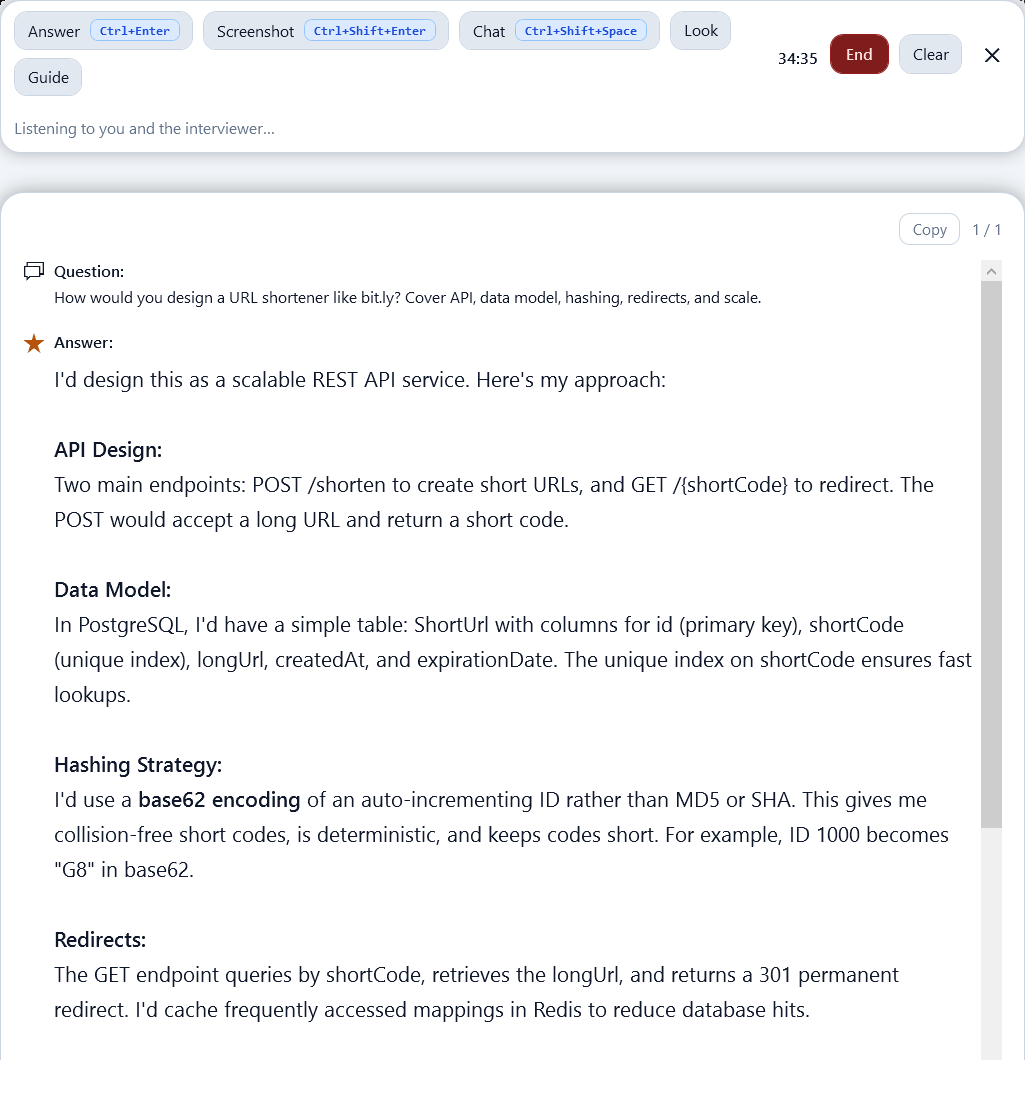
Real-time practice without a saved transcript unless you ask for one. The desk is yours. It is not advertised as invisible on a shared screen.
A session can record the title and timing without the transcript.
Progress marks and resume drafts stay on this browser for now.
Clear the profile from sign-out. Session rows you add leave when you refresh.
Study text is not a product we sell to recruiters.
If the employer forbids help, the rule wins. We will honor a blacklist request.
These are the situations the studio is written for, not quotes from a user base we do not have yet.
45 minutes, one public API
You open the rate-limiter question the night before, write the key and the failure mode in your own words, then rerun the mock until the 429 response is part of the story and not an afterthought.
One problem, your language
You open the hash-map question, write the complexity in the language the role uses, and say when a nested loop is still fine. The same desk holds algorithms, JavaScript, Python, Java, C#, SQL, and system design.
One disagreement, told once
The behavioral prompt keeps you on the decision and the result. You trim the story until it fits two minutes and still names the risk you were protecting.
Monthly and yearly practice plans are listed in rupees. Nothing is charged from this screen.
See pricingClick a card to confirm support. There is no question/answer page here — Prep Desk is built so you can practice any technology on the desk and desktop app.
FAQ
Straight answers about Prep Desk, stacks we support, and how practice works.
Prep Desk is a study studio for technical interviews across stacks. You read a question, practice the answer out loud, keep a mock session, and use the Windows Interview Assistant when you rehearse. It is for preparation you are allowed to do: self-study, mock calls, and notes you choose to save.
No. Topic and question pages are public. Create a free account with your name, email, phone, password, and country when you want one. Progress marks stay in this browser.
Yes. Coding pages include the approach, a short sample, and the tradeoff worth saying out loud. They are study notes, not a hidden window for a live proctored test.
Only when you leave saving on. Session notes stay in this browser for now. Later you will be able to discard a transcript and still keep the title, role, and timing.
Any technology — not one stack. Prep Desk supports algorithms, JavaScript, TypeScript, Python, Java, C#/.NET, PHP, Go, Node, React, Angular, Vue, AI Engineer, machine learning, data engineering, SQL, cloud/DevOps, system design, QA, behavioral rounds, and more. Click a technology card to confirm support; practice happens on the desk and desktop app.
Open the bank, or create a practice profile that stays in this browser.
Try for free